
Mi Mover is a popular data transfer app by Xiaomi that helps you transfer data from an Android or iOS phone to a new Xiaomi phone.
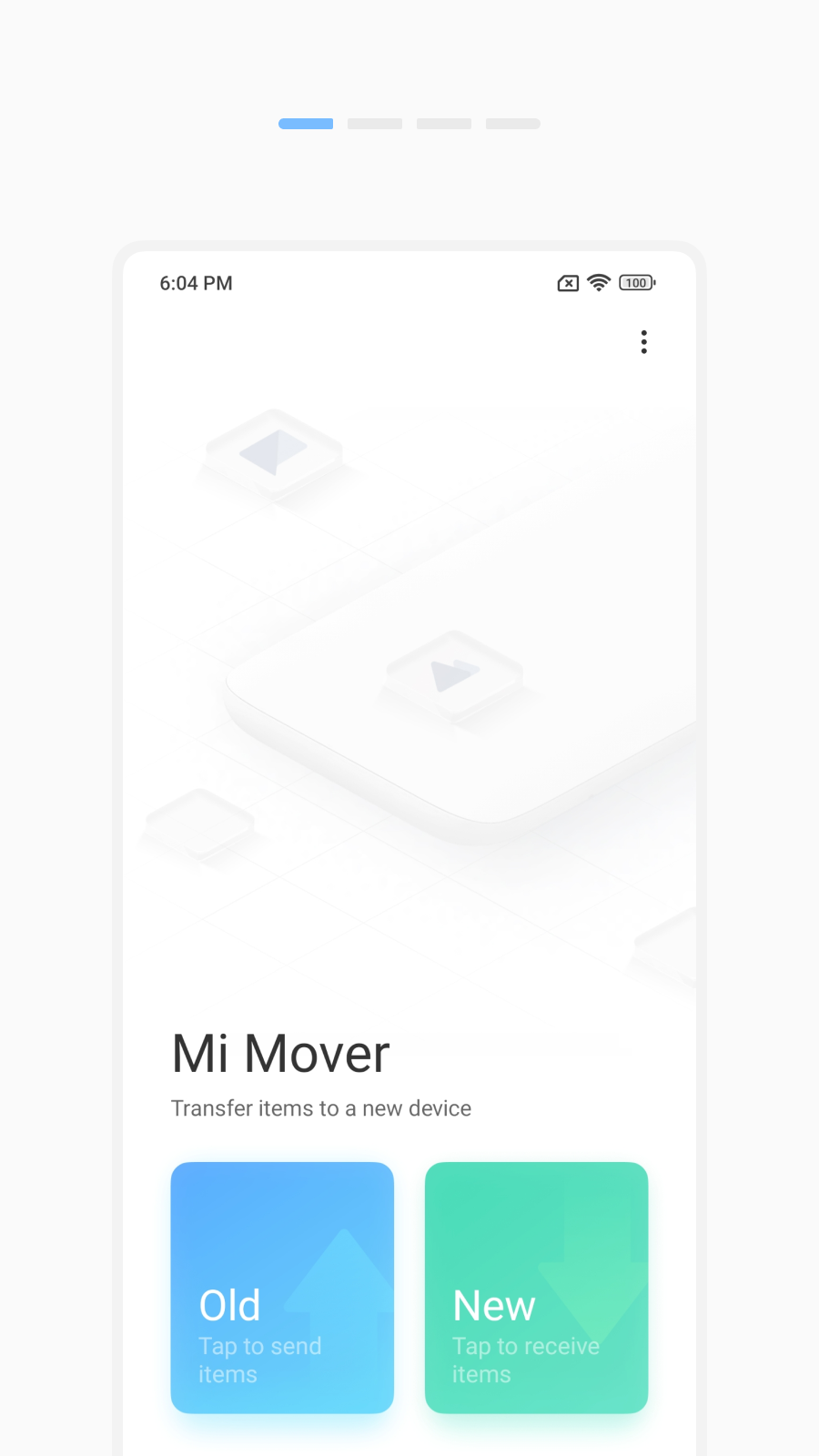 Switching to a new smartphone often means dealing with photos, contacts, messages, apps, documents, and other personal files. Mi Mover is designed to make that process easier by moving data from an old Android or iOS device to a new Xiaomi phone without using a cable or a computer.
The Mi Mover app works through a wireless connection between two devices. One phone acts as the sender, while the new Xiaomi phone acts as the receiver. After the devices are connected, the user can choose what data to transfer and start the migration process.
What can you transfer with Mi Mover?
- Personal data: contacts, call history, messages, calendar events, anniversaries, and other calendar details.
- Media files: photos, videos, songs, music files, audio files, and other media stored on the device.
- Documents: PDFs, text documents, archives, downloads, and other files saved in the phone’s storage.
- Apps: compatible installed apps, depending on device support and app compatibility.
- Files: folders, downloads, local files, and other user content stored on the old phone.
- Notes and app data: only where supported by the source device, the target device, and the specific app.
Mi Mover is useful because it covers the most important types of data people usually want to keep when changing phones. It is especially helpful for users who have a large photo gallery, many documents, or a long contact list.
However, it should not be treated as a perfect full-phone clone. Some apps may still require a new login after the transfer. Banking apps, messengers, games, corporate apps, and apps with strong security protection may not move all internal data automatically.
Main features and advantages
- Wireless transfer: data moves wirelessly, without a USB cable, computer, memory card, or external drive.
- Direct connection: the two devices connect to each other directly through a portable hotspot.
- Sender and receiver modes: the old phone works as the sender, while the new Xiaomi phone works as the receiver.
- Selective transfer: users can choose the data they want to transfer before starting the process.
- Large file support: suitable for moving photos, videos, songs, documents, downloads, and other stored files.
- Simple setup: the process uses a clear sender-and-receiver setup and does not require manual file-by-file copying.
- Useful for phone upgrades: designed for moving data from an old Android or iOS device to a new Mi/Xiaomi phone.
- Privacy-conscious local transfer: data is transferred between devices through a local connection, while the app still needs permission to access the data being moved.
How Mi Mover works
Mi Mover uses a local wireless connection instead of traditional cloud migration. The new phone creates or displays a connection point, and the old phone connects to it. After that, the app scans available data and lets the user select what should be transferred.
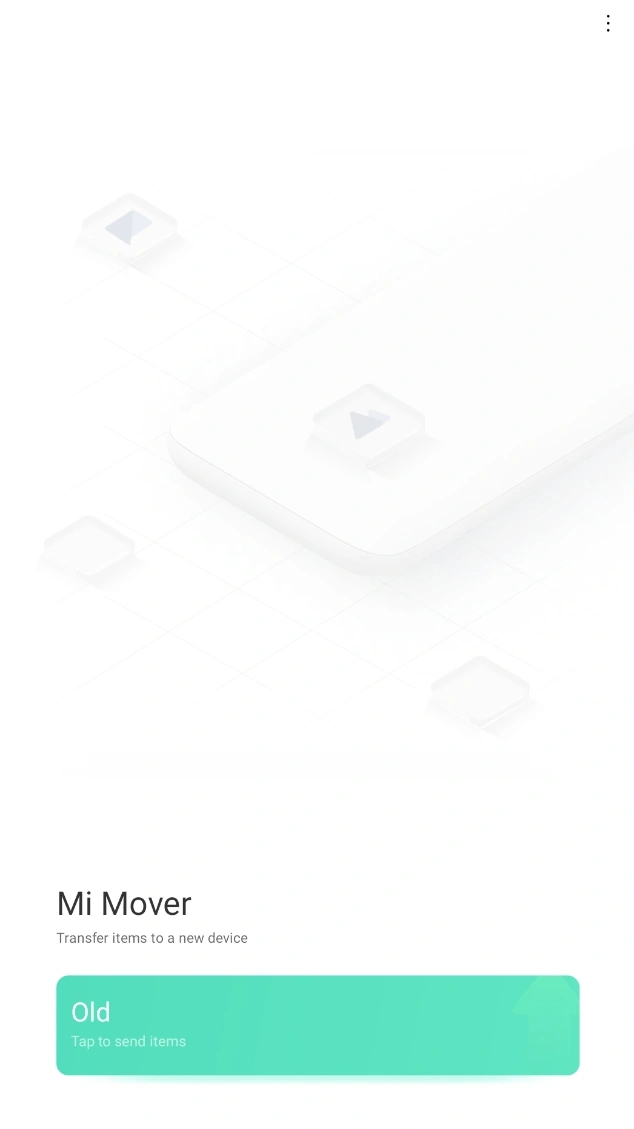
This approach has two important benefits. First, it avoids the need for a computer. Second, it makes the process easier for users who do not want to manually upload and download files through cloud storage.
The transfer speed depends on several factors: the amount of data, the Wi-Fi quality, the distance between the phones, device performance, and the type of files being moved. A small transfer with contacts and messages may finish quickly, while a large transfer with thousands of photos and videos can take much longer.
How to use Mi Mover
To use Mi Mover, install or open the app on both devices. Connect both phones to Wi-Fi and place them close to each other.
On the new Xiaomi phone, choose the receiver mode. On the old phone, choose the sender mode. Then connect the old phone to the hotspot or connection name shown on the new device. After the phones are connected, select the data you want to move and start the transfer.
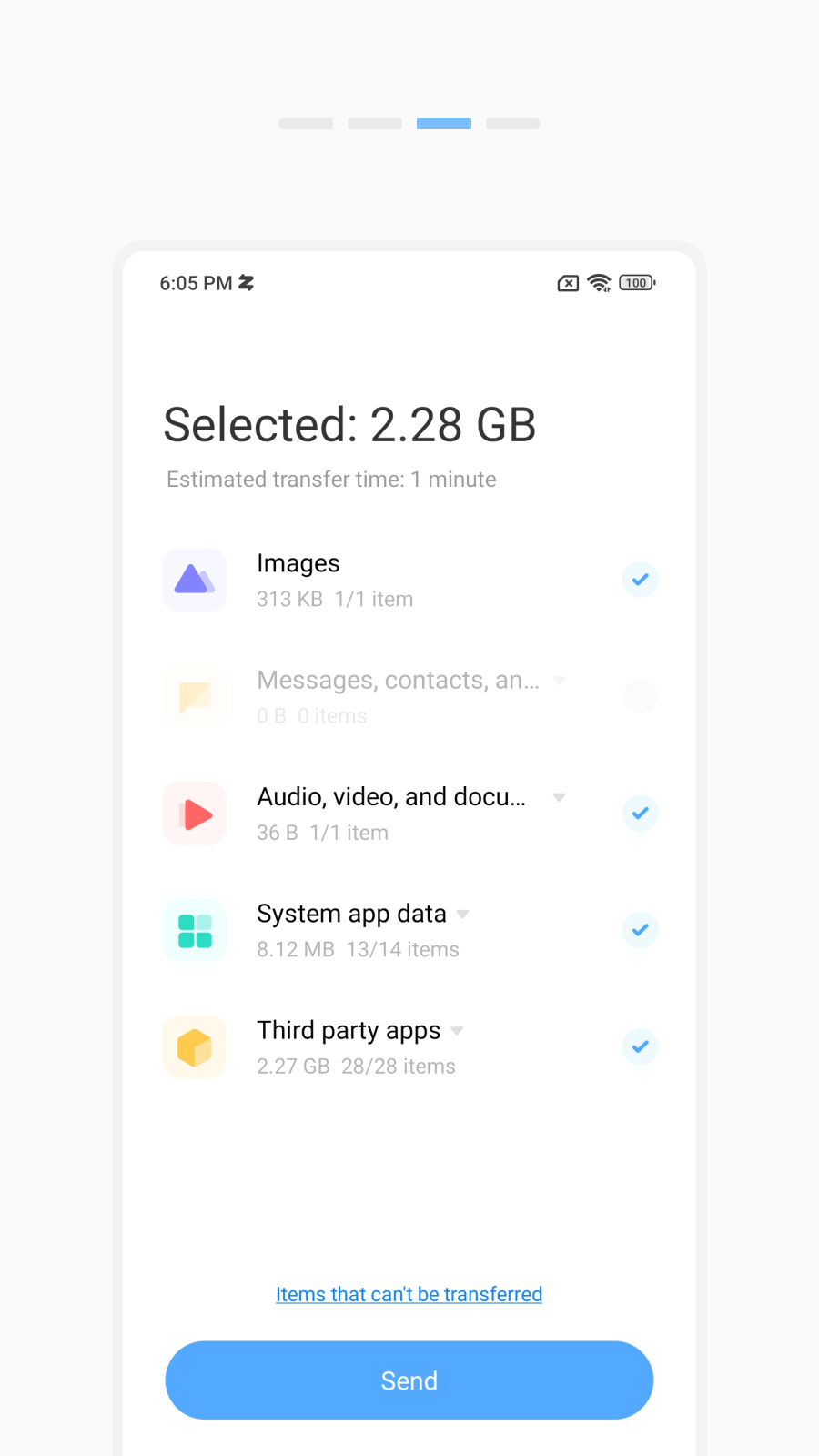
During the process, it is better not to turn off the screens, close the app, restart the phones, or move the devices too far apart. Both phones should also have enough battery before the transfer starts.
Things to know before using Mi Mover
Mi Mover is practical, but it has limitations. It can move many types of data, but it cannot guarantee that every app will work exactly as it did on the old phone. Some apps store sensitive data in protected areas, while others require cloud sync, account login, or manual backup.
Before using Mi Mover, it is a good idea to check that the new Xiaomi phone has enough free storage. It is also useful to update the app, charge both devices, and make a separate backup of important files.
After the transfer is complete, users should check contacts, messages, photos, videos, documents, and important apps. Messengers, banking apps, work apps, and games should be opened manually to confirm that everything works correctly.
Privacy and security
Mi Mover needs access to personal data because its main purpose is to transfer that data from one device to another. This can include contacts, messages, call history, calendar events, apps, and files.
The transfer is performed between the two devices through a local wireless connection. This makes the process more convenient than uploading everything manually to a separate service. Still, users should understand that any migration tool needs broad permissions to copy personal content.
Who should use Mi Mover?
Mi Mover is a good choice for users who are setting up a new Xiaomi phone and want a simple way to move their data. It is especially useful for people who do not want to use a computer or manually copy folders.
The app is best suited for everyday transfers: photos, videos, music, documents, contacts, messages, call logs, calendar data, and supported apps. It is less suitable for users who expect a perfect copy of every app, every login session, and every protected app file.